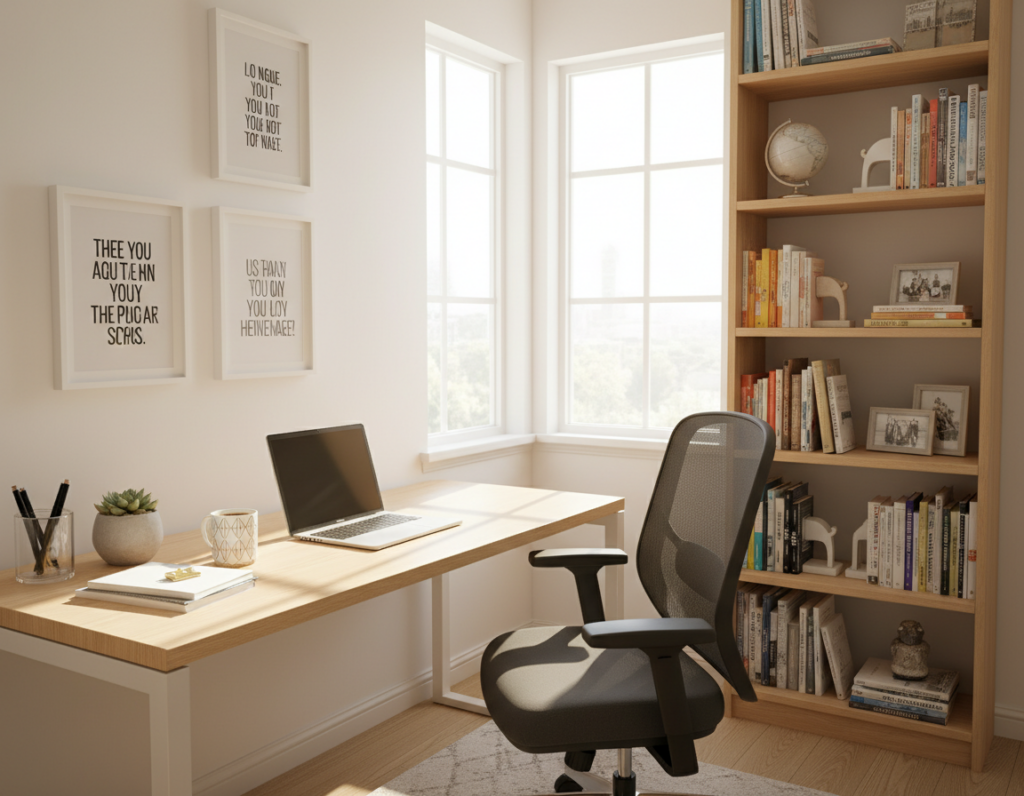
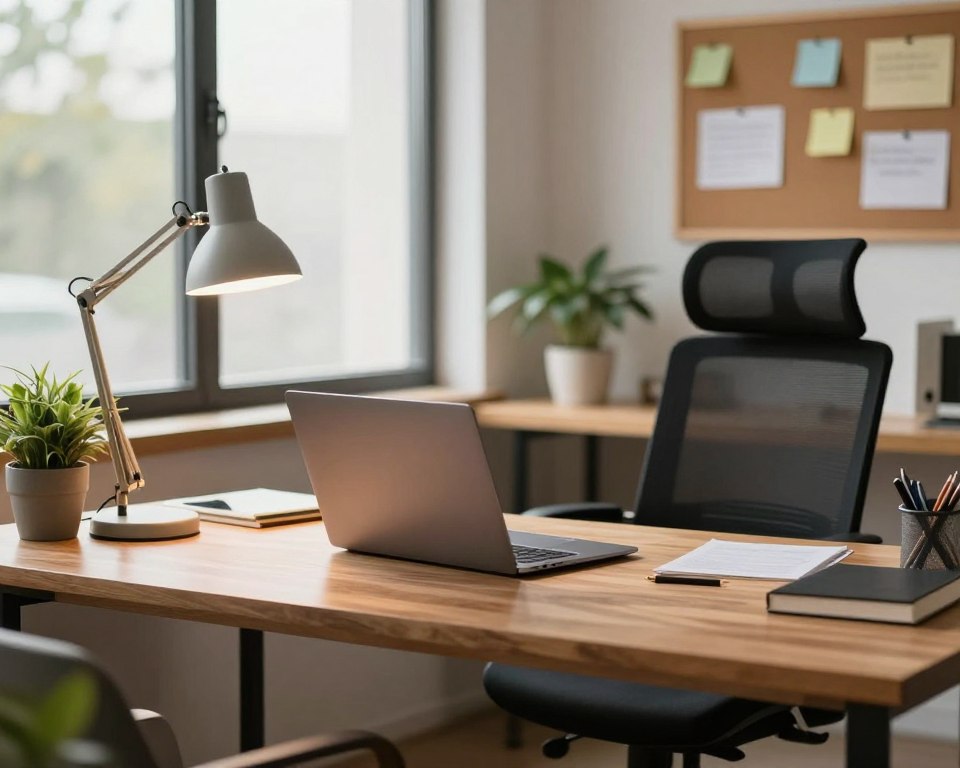
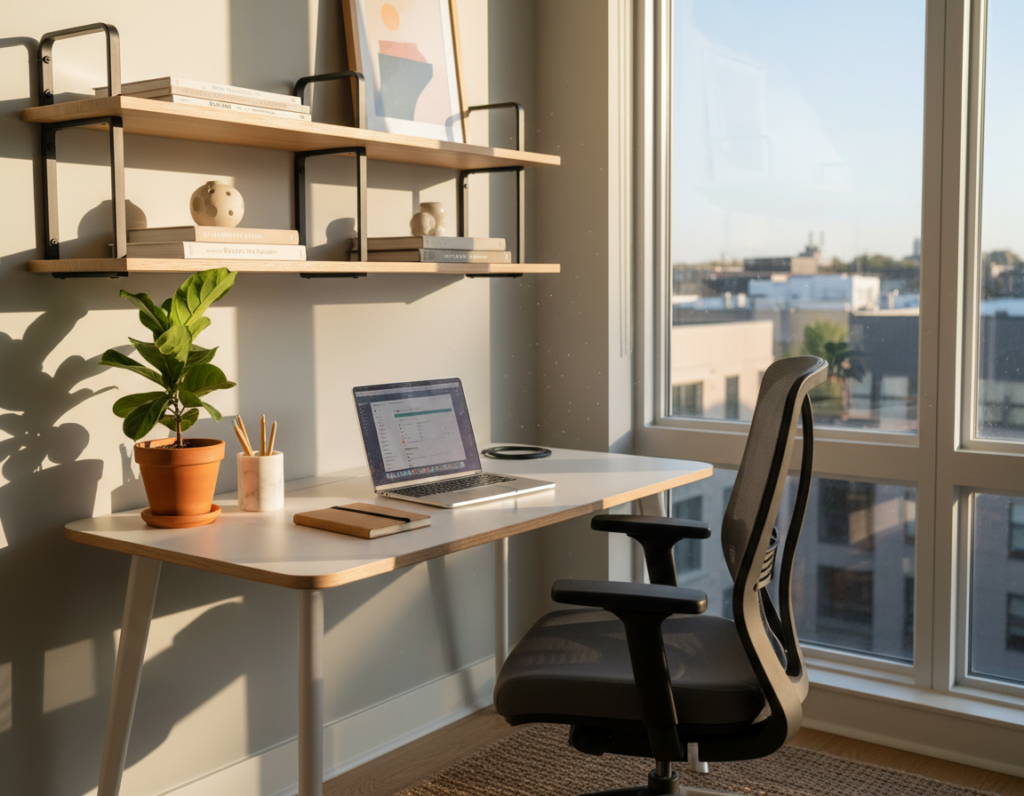
Angled work tables—from L-shaped and wraparound setups to wall-mounted layouts—turn unused areas into efficient work zones. This short guide shows simple, layered storage steps to free up your surface and boost productivity.
Start by decluttering, then add vertical shelves, under-surface trays, and tidy cable routes. We’ll cover built-in storage, floating shelves, pegboard walls, upgraded drawers, monitor risers, and smart cable control.
These solutions suit small home and office spaces because an angled placement naturally zones work and leaves the room open. The aim is clear: keep the surface usable, not pile on more boxes.
This listicle fits modern WFH needs like dual monitors, charging hubs, and Zoom-ready backdrops. For layout examples and ergonomic tips, see the practical corner desk layouts.
Why corner desks make organization easier in a home office
Placing a work surface in an angle lets you use two connected wings for distinct tasks without taking over the room. This layout increases usable surface area while keeping the rest of the room free for movement and storage.
More usable surface area without eating up floor space
An L-shaped setup gives you a larger top to spread out tools, monitors, and papers. That extra surface area matters in small rooms and multipurpose spaces.
Because the design hugs two walls, you preserve the central floor for walkways, extra seating, or a filing unit. Two mounting walls also make it easy to add shelves, monitor arms, and cable channels.
Two work zones that reduce reaching and chair shuffling
With tools placed on both wings, you cut down on long reaches. A swivel chair lets you pivot between tasks instead of constantly scooting the seat.
Splitting the area into a computer side and a paper side supports better focus and higher productivity. Clutter stays contained because the layout naturally defines the workspace.
- Use one wing for devices and the other for writing or reference material.
- Mount shelves on the two walls to free the top and hide cords.
- Decision tip: If you often use two devices or spread documents, this format prevents tasks from competing for the same surface.
Corner desk organization ideas that start with a clean reset
A true reset starts with removal: take everything off the surface and out of the drawers before you buy another container.
“First, clear everything out and take inventory.”
Follow this short checklist to save time and money. Remove every item from the desktop and drawers. Group like-items together. Toss duplicates such as extra pens and random cables.
Clear everything out and take inventory before adding storage
Inventory before storage prevents simply containerizing clutter. Only buy boxes, bins, or accessories for things you actually use.
Keep daily-use items within reach and hide the rest
Place daily items within arm’s reach from your chair. Move weekly or monthly supplies into closed storage, labeled boxes, or a shelf to clear the surface.
Use a minimalist home office baseline to reduce distractions
Adopt a simple baseline—computer essentials, notepad, and a pen. Fewer items on view create a calmer background for video calls and help focus on tasks.
- Weekly five-minute reset: return loose papers and put tools back in zones.
- Backstock plan: label boxes for extra paper and supplies on a shelf or closet.
- Reach rule: daily items near you; infrequent items stored away.
Choose the right angled desk style for built-in storage potential
Choose a shape that matches how you work, and storage follows naturally. The right angled furniture sets the tone for what fits under and above the top. Pick a style based on device count, room layout, and how much hidden storage you need.
L-shaped setups for dual-purpose work surfaces
L-shaped desks create distinct zones so tasks stay separate. Use one wing for computer work and monitors, and the other for notes, reference materials, or meetings.
This split reduces clutter on any single surface area and boosts workflow in a busy workspace.
Wraparound styles that integrate drawers, cabinets, and shelving
Wraparound models often include built-in storage like drawers and cabinets plus shelving along the walls. That integration cuts the need for extra file furniture and keeps the corner clean.
Built-in storage with cable routing also helps when you run multiple devices.
Curved corner options that add comfort without wasting space
Curved designs soften edges for long sessions and make pivoting easier. They keep legroom open while still giving you room for small under-top boxes or a rolling file.
“Match shape to tasks — the best choice gives every item a home.”
Buying tip: Measure wall lengths, door swing, and chair travel. Confirm under-top clearance if you need drawers or shelves below. In a small home office, the right silhouette improves both storage and functionality.
Floating corner desk setups that open up under-desk storage
A wall-mounted surface can change a small room into a tidy, efficient home office with usable floor area. Floating installations cut visual weight and make cleaning and movement easier.
Why choose a mounted setup: fewer legs means more usable floor access and a lighter visual footprint in the home office. Chairs tuck fully beneath the top, and the open area invites purposeful storage rather than random piles.
How a wall-mounted surface creates room for bins and small cabinets
Use low-profile bins and a slim filing cabinet under one side so knee space stays centered. Push boxes and cabinets to the far left or right under the angled edge to avoid blocking legroom.
- Install heavy-duty brackets and anchor into studs or use rated anchors.
- Pick a thickness that supports monitors and daily use.
- Pair with one floating shelf above for reference books and labeled storage to keep the desktop clear.
“A mounted surface opens real, usable space while keeping the floor uncluttered.”
Organization payoff: easier cleaning, fewer hiding spots for clutter, and an efficient layout that keeps the surface ready for work.
Murphy and fold-down corner desks for small rooms and studios
When space must serve double duty, a fold-down work surface makes the room work for you. Murphy systems fold flat against the wall when not in use, freeing floor area in a studio or small room.
When to choose this solution: a studio apartment, guest room, dining area, or any space that needs to switch modes quickly. Use it where the office must disappear after the work day.
Fold-away functionality that keeps your space flexible day to day
Work appears when you need it and tucks away after hours. This helps separate work from living, which is vital in a shared home or small rental.
Hidden compartments that store supplies even when closed
Look for built-in slots for notebooks, shallow shelves for accessories, and a charging bay that stays plugged in. These compartments keep items neat and protect them from pets and kids.
- Best for studios, dining rooms, and guest rooms that double as an office.
- Keep cables clear and only thin essentials on the surface so the unit folds smoothly.
- Pair with vertical wall storage and a single closed box for extra supplies to maximize limited space.
“A fold-down surface gives you a full workspace without stealing your living area.”
Built-in corner shelving systems for vertical storage and decor
Built-in shelving that climbs to the ceiling turns wasted vertical space into a streamlined storage wall. Floor-to-ceiling units boost capacity without expanding the work footprint.
Floor-to-ceiling shelving that maximizes height
Floor-to-ceiling built-ins use otherwise unused height to hold books, boxes, and file stacks. They keep the surface uncluttered while adding a cohesive look that matches the top finish.
Open vs. closed: a simple rule
Open shelves suit bookshelves, display books, and everyday reference items.
Closed cabinets hide chargers, messy supplies, and bulky electronics to reduce visual noise.
Style and zoning for function
Group books by size, add labeled storage boxes for paper and cables, and leave space for a few decor accents to breathe.
- Eye-level shelves for daily references and frequently used books.
- Higher shelves for archives and backstock.
- Lower cabinets for heavier items and boxes that need sturdy storage.
“A well-planned built-in feels intentional and can raise perceived value while staying practical.”
Vertical wall storage that clears your desktop fast
Use the blank wall above your work area as instant storage—it’s the fastest way to clear a crowded desktop. Moving papers, reference books, and small tools up frees the surface for active tasks like typing and reviewing documents.
Floating shelves above the work area for books and bins
Floating shelves make a neat ledge for reference books and labeled bins. Mount them above eye level for weekly items and at eye level for daily-use supplies.
Always check stud placement and shelf weight limits before installation to keep everything safe and secure.
Wall-mounted organizers for mail, papers, and accessories
Wall-mounted letter trays, file pockets, and small accessory holders stop loose items from migrating across the desktop. These systems keep mail, current projects, and pens tidy and visible.
Use walls to preserve an open workspace surface
Prioritize keeping the surface open so you have room for keyboard/mouse movement and writing. Vertical systems relocate clutter while creating styling moments and easy access.
Placement tips so frequently used items stay at eye level
Try this simple hierarchy: eye level for daily items, slightly above for weekly use, and high shelves for archives. Laura Tribbett recommends using vertical space to minimize desktop clutter and add visual interest.
“Use vertical space to minimize desktop clutter and create styling moments.”
- Relocate papers and tools to shelves to free active surface area.
- Keep frequently grabbed items within comfortable reach—not above your monitor line.
- Avoid heavy objects directly over screens; secure fastenings into studs when possible.
Pegboard corner walls for flexible, customizable organization
Pegboards let you shape storage around current projects instead of forcing fixed shelves. They convert a blank wall into a modular system that adapts as tasks shift. Paint it to match the room or keep it neutral for a clean, modern office look.
Hooks, cups, and mini shelves for office accessories
Start with a few core parts: metal hooks for headphones and scissors, cups for pens, and a small shelf for sticky notes or a phone. These pieces make frequently used accessories easy to grab and return.
Reconfigurable layouts that adapt as projects change
Assign zones so clutter has a home. Use one area for writing tools, another for tech accessories, and a third for mail processing. When the week’s work changes, move hooks and trays instead of buying new storage.
- Why it works: pegboards use vertical space without fixed shelf spacing.
- Core components: hooks, cups, clips, mini shelves, and a small shelf for fragile items.
- Place the pegboard on the secondary wall wing so the primary wall stays calm for monitors and lighting.
This flexible solution keeps items visible, reachable, and tidy while matching your room’s style and changing needs.
Drawer and cabinet upgrades that eliminate “junk drawer” chaos
Tame small-item clutter by giving every tool a defined spot inside drawers and cabinets. The root cause of junk drawers is mixed categories and no compartments. That makes it hard to find paper clips, chargers, and other small items when you need them.
Drawer dividers to compartmentalize small items
Use adjustable dividers to create zones for writing tools, paper supplies, tech accessories, and shipping/returns items.
- One drawer, one job: this reduces crossover and speeds retrieval.
- Clear trays work well for tiny parts; fabric bins suit bulkier supplies.
- Keep a single spot for chargers and adapters to avoid duplicates scattering.
Label-friendly desktop drawers that disguise supplies neatly
Decorative, labeled drawers hide clutter while keeping access simple. Julie Dykema recommends using pretty, paper-lined drawers with clear labels so contents are concealed but predictable.
“Decorative, labeled desktop storage conceals contents while making retrieval fast and predictable.”
Under-desk cabinets that keep rarely used tools off the work surface
Reserve an under-desk cabinet for spare cables, extra notebooks, and tools that don’t belong on the surface. Choose a cabinet that fits fully beneath the wing without stealing knee space or blocking chair movement.
- Measure under the desk before buying to protect legroom.
- Store seasonal or backup items in boxes inside the cabinet.
- Maintain order: follow a “one in, one out” rule for pens and accessories.
Storage boxes and baskets that control clutter without sacrificing style
Smart boxes and baskets can corral backstock and still leave your work area clean and calm. Use a mix of rigid containers and woven baskets to store excess supplies while keeping the room inviting.
Stackable storage for backstock paper and supplies
Put backstock paper, extra stationery, bulk supplies, and seldom-used devices into labeled storage boxes so they do not crowd the surface. Stackable organizers make the most of vertical space on a bookshelf or closet shelf.
Where to place boxes so they don’t steal legroom or movement space
Keep boxes off the main leg zone. Push them to the far side under a wing or place them on the bottom shelf of a nearby bookcase to protect movement and chair travel.
Baskets soften the look in shared living areas while serving as quick-drop zones for cords, mail, or ongoing projects. Label every container clearly to avoid a new “miscellaneous” problem.
- What belongs in boxes: backstock paper, extra pens, bulk supplies, and rarely used devices.
- Use stackable units on a bookshelf or closet to save floor space in a small home room.
- Leave the central floor clear so you can roll a chair, stretch, and clean easily.
Monitor risers and multi-level desk add-ons to reclaim surface area
Raise your monitor and win back usable surface while easing neck strain. Monitor risers lift screens to eye level and create a shallow storage zone underneath. This double win frees surface area and improves posture during long hours of work.
Risers that create storage underneath and improve ergonomics
Use a sturdy riser so the screen sits at eye height. Under the platform, stash a planner, favorite pens, or a slim keyboard when not in use. A narrow drawer insert can hold daily accessories and reduce clutter on the main surface.
Tiered setups that separate computer work from writing and tools
Multi-level add-ons create clear zones without expanding the footprint. Put the monitor and webcam on the top tier, the keyboard and mouse on the main surface, and a secondary wing for notebooks or active paperwork.
- Zoning example: top tier = monitor + webcam; main surface = keyboard & mouse; secondary wing = notebooks.
- Better screen height reduces neck strain during long hours and supports steady productivity.
- Add-ons boost functionality for renters because they require no drilling or permanent changes.
Cable management for corner workstations with multiple devices
Good cable routing is the fast way to make a busy workstation feel calm and usable. A compact setup with many devices can quickly overwhelm the surface. Tidy cords improve safety, make cleaning simpler, and keep the room looking professional.
Clips, sleeves, and trays to route cords along edges and underside
Toolkit: peel-and-stick clips for single cords, a woven cable sleeve for bundling multiple leads, and an under-surface tray to house power strips and adapters. Anchor clips along each wing’s underside and run the sleeve back to the outlet.
Charging zones that prevent cable sprawl across the desktop
Create one dedicated charging spot for phones, earbuds, and tablets. Keep a short extension or USB hub in the tray so cables never snake across the desktop. A labeled tray or small box holds spare adapters for fast access.
Keeping dual-monitor setups neat with monitor arms and hidden power
Use monitor arms to lift screens and route cables through built-in channels. Run a single bundled path from the arms to the outlet along the underside of the wall wing. Label bricks, avoid sharp bends, and keep cords clear of chair wheels for safety.
- Run cords along underside edges, then drop one bundled path to the outlet.
- Use adhesive clips near the side and under the top for tidy routing.
- Label power bricks and check for proper strain relief to ensure reliability.
Lighting, windows, and greenery that support productivity in the corner
Let daylight be your primary light source, then add layered fixtures to keep the space usable after dark. Natural light boosts mood and cuts eye strain, so place your setup close to windows while controlling glare with sheer curtains or adjustable blinds.
Positioning near natural light while avoiding screen glare
Angle monitors away from direct sun and use blinds to soften bright spots. This keeps the screen readable and preserves a calm atmosphere for long hours of work.
Floor lamps and task lighting to free up desk space
Choose a floor lamp with an arc or boom arm so the light reaches your work area without a lamp eating surface space. Combine ambient room lighting with a focused task lamp for clear, even coverage.
Plant integration for a calmer, more functional atmosphere
Add low-maintenance plants to improve air quality and soften tech-heavy decor. Pothos, snake plants, and succulents thrive in many US homes and need little fuss.
- Place a trailing pothos on a shelf or windowsill.
- Set a snake plant on the floor beside the desk for structure.
- Use small succulents on a monitor riser or nearby ledge for a tidy touch.
Tip: Better light and a relaxed atmosphere reduce fatigue and help sustain productivity. For more practical styling and storage advice, check these home living tips.
Conclusion
Finish strong: pick one high-impact upgrade — a drawer divider, monitor riser, or wall shelves — then build simple habits that keep your home office tidy. Start with a reset, choose corner-friendly furniture, then add vertical storage, drawer systems, and clean cable runs to protect the surface.
Core rule: keep daily items within reach, move seldom-used supplies into closed storage, and run a weekly five-minute reset to preserve order and time for real work.
Match solutions to your space: floating or fold-down pieces for small homes, wraparound furniture for heavy storage needs, and pegboards for changing workflows.
Quick checklist: clear the top, define zones, label boxes, route cables, and set lighting for comfort. A well-kept corner desk saves focus and turns unused space into a reliable working area that looks good in your home.